
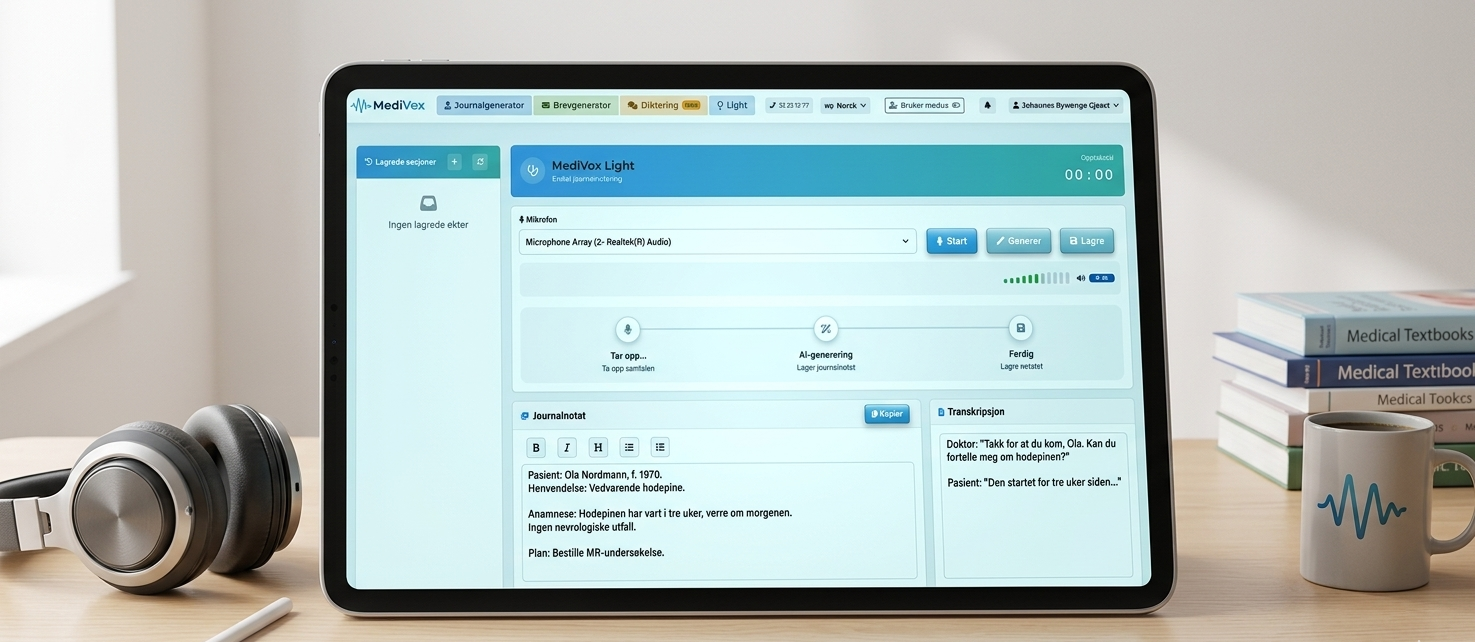
How to use Medivox Light - simple and efficient record keeping
Journaling is central to clinical work, but many doctors still spend valuable time writing notes after consultations – time that could be better spent with the patient.
Medivox Light This solves: a simple, time-saving way to document consultations. Here you get a step-by-step guide, with tips for efficient record-keeping, screenshots, and relevant resources.
Why good record-keeping is important
A clear and structured medical record:
-
documents the consultation correctly
-
supports diagnostics and treatment
-
ensures continuity between caregivers
💡 It's always The responsible party must ensure the quality of the medical record entry. before it is entered into the patient record, even when it is automatically generated.
What is Medivox Light?
Medivox Light is a simplified version with Medivox's record-keeping module. It allows you to:
-
transcribe consultations in real-time
-
Generate a structured journal entry automatically
-
save and reopen notes easily
The difference from the full version is that Light not have custom templates or support for e-consultations. This makes Light perfect for:
-
general documentation
-
fast journaling
-
You who want to test Medivox without starting with templates
How to get started
When you are logged in, you will find The light button at the top of the screen.
Press the button to start a new consultation.
Start recording
-
Choose the right one microphone
-
Press Recording
-
Begin the consultation
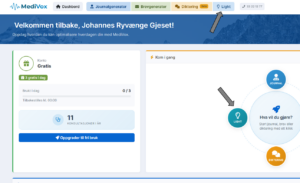
The conversation is automatically transcribed, so you can focus on the patient rather than taking notes.
Generate the journal entry
When the consultation is finished:
-
Press Generate
-
Medivox creates a structured medical record.
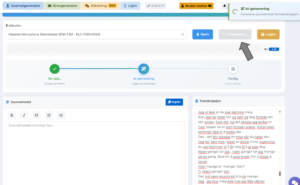
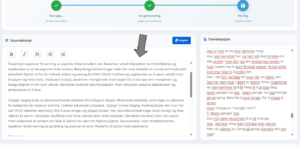
The journal entry can then edited and approved before pasting into the EMR.
Edit and quality assure the note
Although Medivox creates a finished note, it is always The responsible person's duty to review and approve before it is stored in the patient record.
You can, among other things:
-
adjust wording
-
add extra information
-
remove irrelevant details
For more tips on effective documentation, see this The article on structured and standardized record keeping.
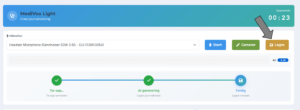
Save the note temporarily
If you use mobile or tablet, can you press Save. The memo will then be available in 24 hours.
You can also give the note a name, making it easy to find again if needed.
Open a previous note
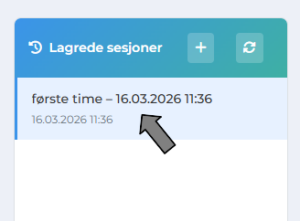
Saved notes appear in the left-hand menu. Here you can click on a previous session and open the note for review before pasting into the EHR.
On «Saved Sessions,» you can also name the session so you can open it later (within the specified storage time).
Light vs. full version
Medivox Light is designed for simple and quick journaling.
The full version offers
-
customized templates
-
brevmodul
-
support for e-consultations
Light gives you a Light and effective start, and you can upgrade to the full version when the need for more advanced functionality arises.
Price and subscription
Test Medivox with us free subscription:
-
access to the entire platform
-
3 free journal generations
If you want more generations, you can buy Medivox Light as its own subscription:
💰 349 kr per month (incl. VAT)
Watch our webinar
Learn how Medivox works in practice. The webinar will show:
-
real-time transcription
-
automatic generation of journal entries
-
Effective working methods for doctors
Ready to try Medivox Light?
Start today and experience how much easier record-keeping can be, without compromising quality or patient safety.


 English
  Norwegian